Table from CSV allows you to view a CSV attached to a page as an HTML table on that page.
How to use
- Create a new page
- Attach a CSV to the page – you can use the attached sample.csv file for testing purposes Or link to a CSV on the web
- Type /table from csv and hit enter
- Edit the macro parameters Add the filename of the attached file
- Specify whether to wrap the cell content or not
Save the page
Advanced features
You can use this macro as a source for Confluence Charts.
To connect a table to a chart, in the Confluence Editor, highlight the macro and then select Manage connected data from the context menu item:
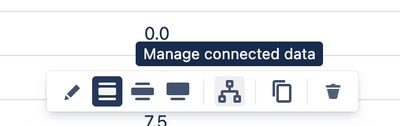
This allows the Chart to consume the data within the table.
A demonstration of this functionality is given in the video below: