David Simpson Apps

Example: Incorrect URL / Web Address

Type /goo into the Confluence editor and select Looker Studio / Google Data Studio
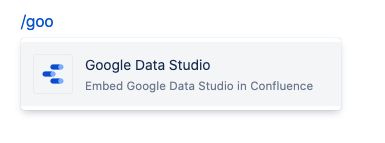
Confluence editor showing /goo typed to insert the Looker Studio macro

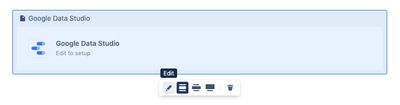
Click on the edit icon

Data Studio macro in Confluence with the Edit icon highlighted

Then add a URL in the macro parameters:
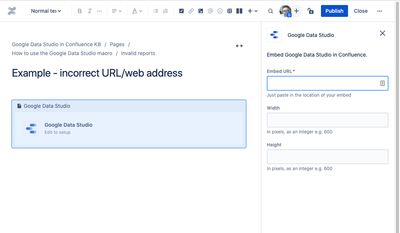
Data Studio macro properties panel showing the URL input field

If the URL is not for a valid Data Studio report, and does not start with https://lookerstudio.google.com/ or https://datastudio.google.com/ then you will see the following:

Data Studio macro in Confluence showing an error for a URL not from datastudio.google.com

If you go further and don’t even use a valid URL, then you get this:

Data Studio macro in Confluence showing an error for a completely invalid URL