We're delighted that you've chosen to get started with Data Studio in Confluence
– formerly known as Google Data Studio in Confluence & Looker Studio in Confluence
This page will give you an overview of this app’s functionality.
Prerequisites
- A subscription to Data Studio.
Installation
- Simply install the app from the Atlassian marketplace and then you are ready to go.
Usage
DEMO VIDEO COMING SOON
In Data Studio
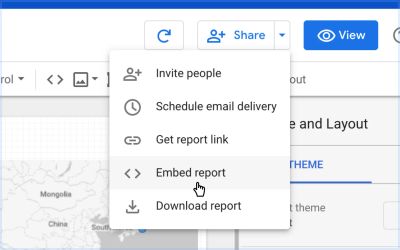
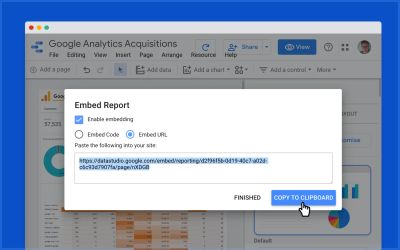
- Select Embed report from the Share menu
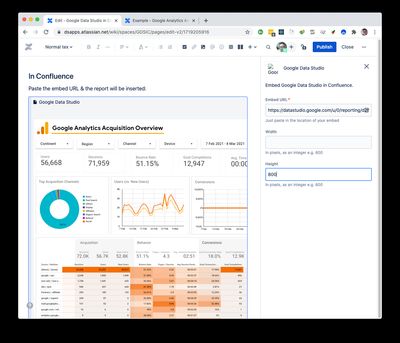
In Confluence
Having copied the URL from Looker, move to Confluence.
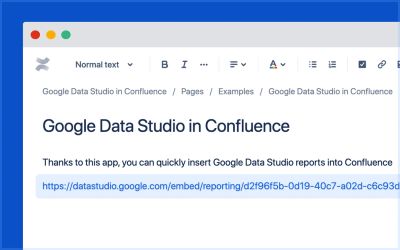
- Paste the URL into the Confluence editor
Advanced configuration of Confluence macros
Adjust the width and height as required
Permissions
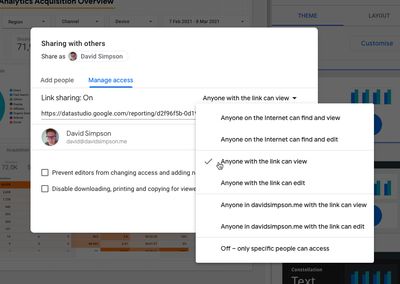
In Data Studio, you can also manage who has permission to access the report.
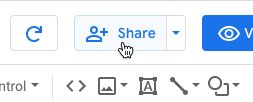
Select Share from the top menu
In Manage access, choose the level of access