How to use
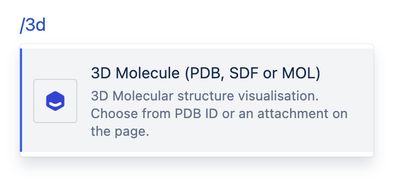
In the Confluence editor, type /3d and select 3D Molecule (PDF, SDF or MOL).
The macro properties panel will appear.
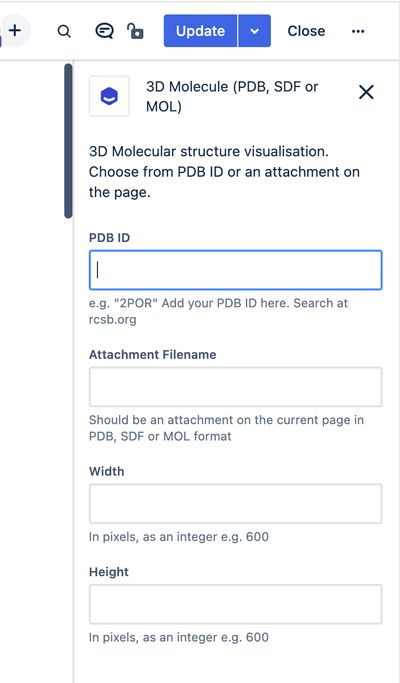
Choose from either a PDB ID or an Attachment Filename. The attachment filename must be for an attachment on the same page.
Add your macro width and height, or leave for the default size.
Save the Confluence page and the 3D Molecule will be rendered.
Examples
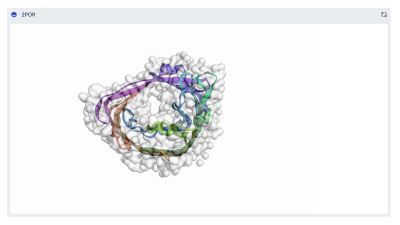
2POR (Porin)
Macro parameters:
PDB ID: 2POR
Macro output:
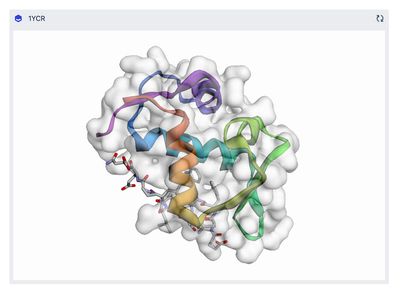
1YCR (MDM2 bound to the transactivation domain of P53)
Macro parameters:
PDB ID: 2POR
Macro output:
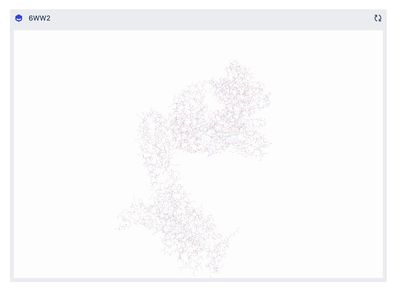
6WW2 (Structure of human Frizzled5 by fiducial-assisted cryo-EM)
Macro parameters:
PDB ID: 6WW2
Macro output: