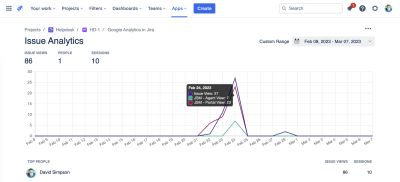
The Issue Analytics screen has the following features:
Headline figures
For the selected time period, this provides:
- Issue Screen Views, No. of Issues Viewed, No. of Projects Viewed, People & Sessions
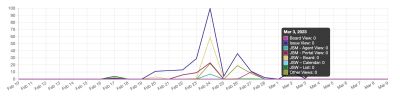
Usage over time
- Issue screen views broken down into the various contexts
- Board View & Issue View
- Jira Service Management Views
- Agent Views & Portal Views
- Jira Work Management Views
- Board, Calendar & List Views
- Any other issue view
- All timelines are colour-blind friendly with accessible colours being used

People Report
Showing views and also their editing contributions…
Issue Views & Sessions
Each person listed is a link to the People Analytics report for that person
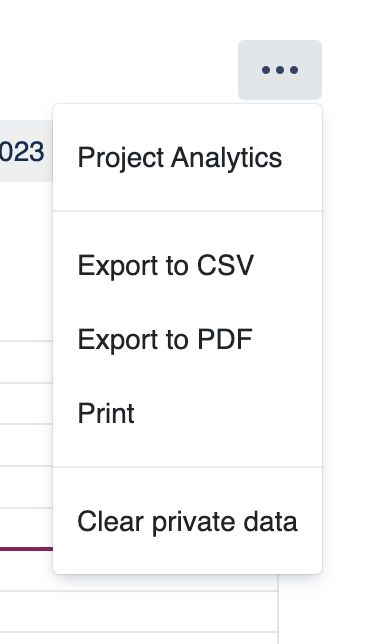
Tools Menu
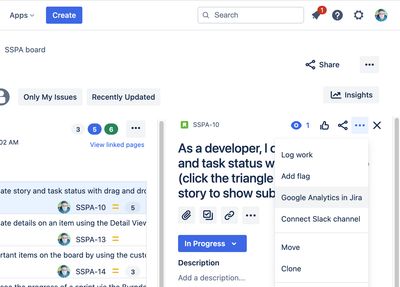
Access to the Project Analytics screen
Gives export options – CSV, PDF or Print
Clear private data – Removes reports data cached in the browsers' localStorage
Date picker
Allows you to select the date range required