The Project Analytics screen has the following features:
Depending upon the project type, the menu appears in slightly different places.
Jira Software
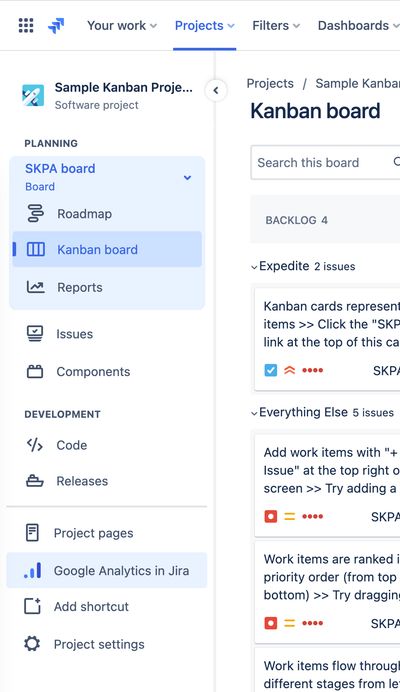
In Jira Software, Project Analytics is available by selecting Google Analytics in Jira from the left hand menu:
Jira Service Management
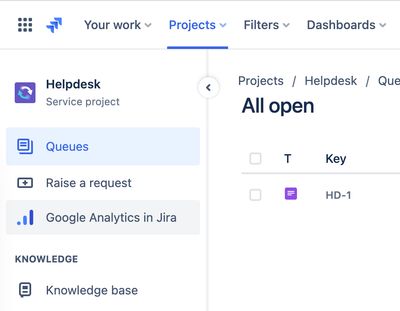
In Jira Service Management, Project Analytics is available by selecting Google Analytics in Jira from the left hand menu:
Jira Work Management
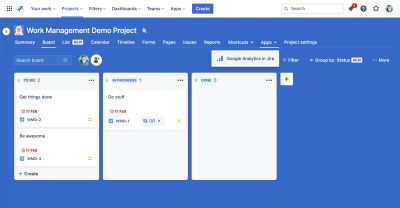
In Jira Work Management, Project Analytics is available by selecting the Apps tab and then Google Analytics in Jira from the dropdown menu:
Headline figures
For the selected time period, this provides:
- Issue Screen Views, No. of Issues Viewed, People & Sessions

Usage over time
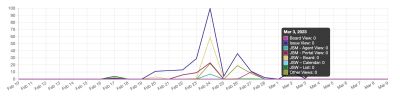
- Issue screen views broken down into the various contexts
- Board View & Issue View
- Jira Service Management Views
- Agent Views & Portal Views
- Jira Work Management Views
- Board, Calendar & List Views
- Any other issue view
- All timelines are colour-blind friendly with accessible colours being used
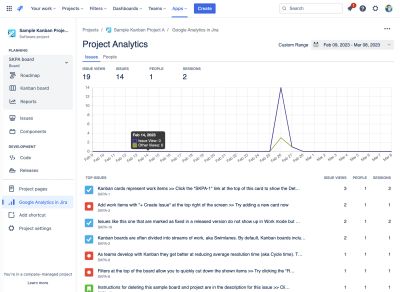
Issues Report
Issue Views, People & Sessions
Each issue listed is a link to the Issue Analytics report for that issue
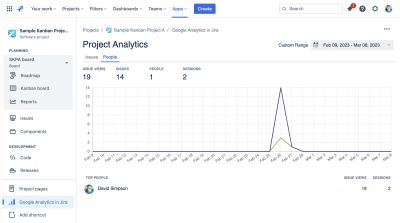
People Report
Showing views and also their editing contributions…
Issue Views & Sessions
Each person listed is a link to the People Analytics report for that person
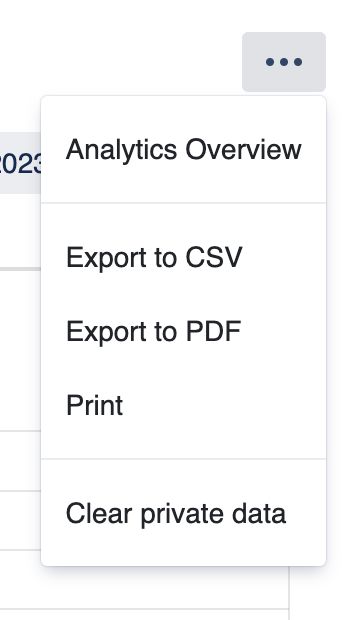
Tools Menu
Access to the Analytics Overview screen
Gives export options – CSV, PDF or Print
Clear private data – Removes reports data cached in the browsers' localStorage
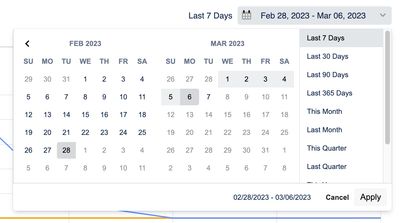
Date picker
Allows you to select the date range required