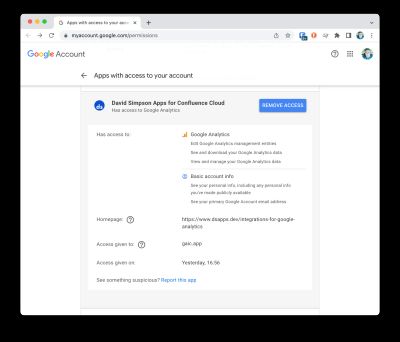
This app stores a user token for Google Analytics which permits reports to be accessed as if by the user who configured the app.
Details of how this information is stored can be found at What data is stored by the app and where?.
How can I remove this information from the app's data store?
There are 2 ways:
Revoke access
This will remove access to reports, but allow data collection to continue.
- Within Site Administration, select Data Collection from the Google Analytics in Confluence section
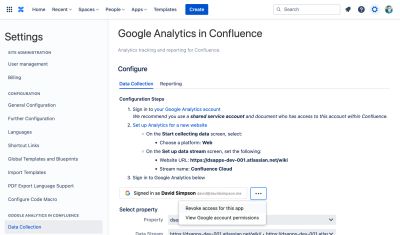
Next to the Signed in as [Your Name] [Your email address] button, select the ••• menu and choose Revoke access for this app
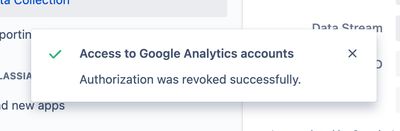
Press Confirm on the resulting dialog and you should see this confirmation message:
- The app will attempt to contact Google and remove itself from "Apps with access to your account"
Uninstall the app
This will remove all aspects of the app from your Confluence instance.
Upon uninstall of the app, the user token data is completely removed from the data store and the app will no longer be available.
Google – "Apps with access to your account"
Upon revoke or uninstall, the app will attempt to contact Google and remove it's permissions from your Google account.
You can check this:
Browse to https://myaccount.google.com/permissions
Search for David Simpson Apps for Confluence Cloud.
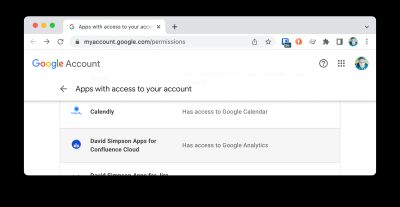
If the app is still present
Click on the name – David Simpson Apps for Confluence Cloud
Press the Remove Access button to complete the process.