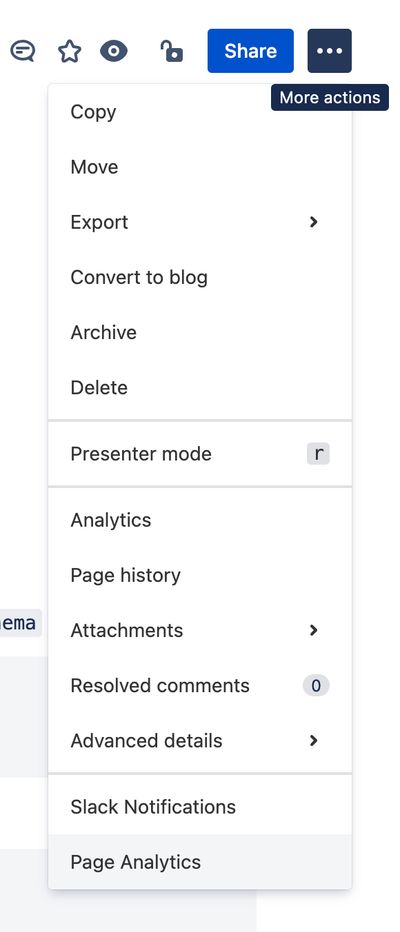
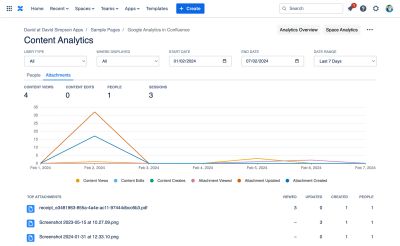
The Content Analytics screen is accessed from the Content Analytics (or Page Analytics) menu item in the Tools/More actions menu:
It is also available from the "Last 7 Days" overlay
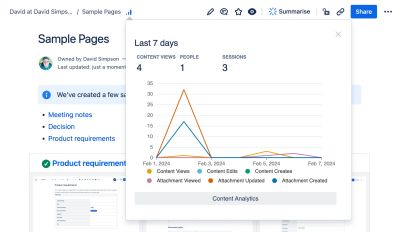
Headline figures
- Content Views, Content Edits, People & Sessions

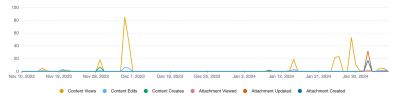
Usage over time
- Content Views & Content Edits
- Attachments viewed, updated & created
- All timelines are colour-blind friendly with accessible colours being used
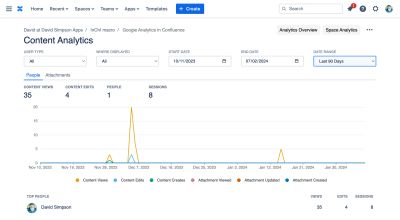
People Report
Showing views and also their editing contributions…
- Content Views, Content Edits, People & Sessions
- Each person listed is a link to the People Analytics report for that person
Attachments Report
Displays a list of top attachments. For each attachment the following data is displayed
- Attachments Viewed, Attachments Updated, Attachments Created
- The number of people who have interacted with the attachment
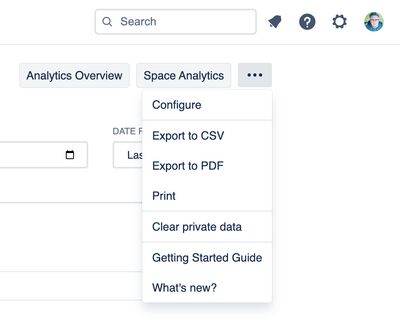
Tools Menu
- Access to the Analytics Overview screen
- Access to the Space Analytics screen
- Gives export options – CSV, Excel, PDF or Print
- Clear private data – Removes reports data cached in the browsers' localStorage
Filter Controls Row
- Filter data
- By user type – All users, internal users, guest users
- By where – The parent product where the content is displayed – All, Confluence, Jira, JSM, Jira Work Management, monday.com, Refined for Confluence, etc
- Separate simple controls for date selection
- Date pickers for start and end dates
- Date Range picker with sensible default date ranges
- Retains the familiar position in the top right of the screen just like in Google Analytics
