This automation block creates a SharePoint folder for a subitem, nested inside the configured SharePoint folder of the parent item.
Prerequisites
A SharePoint folder must already have been configured for the parent item, using one of the following automation blocks:
If a folder is not already present for the parent item, the automation block will silently stop. No folder will be created. This is expected behaviour.
For automations
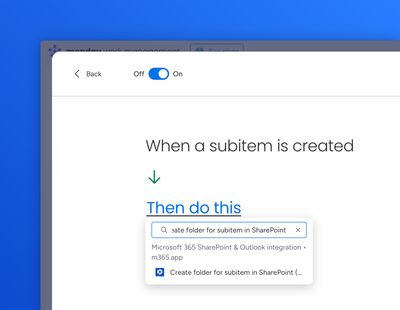
Use the "Create from scratch" automation builder to select the relevant trigger (typically "When a subitem is created"), then paste "Create folder for subitem in SharePoint" into the Then section.
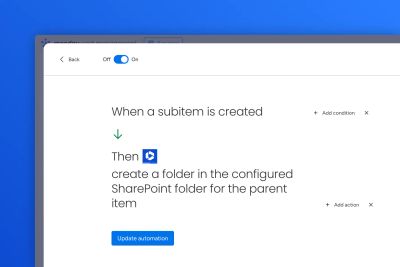
The full sentence will appear:
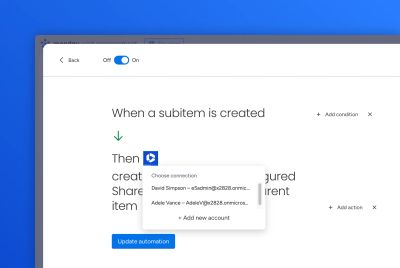
Select the correct Microsoft 365 account for the automation block:
Then save the automation.
For workflows
Create a workflow and select "Create folder for subitem in SharePoint" as the action.
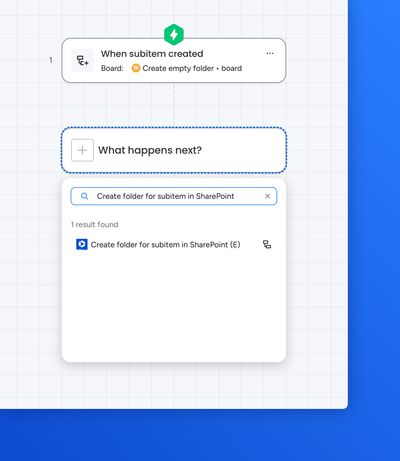
Select the correct Microsoft 365 account for the automation block, and also select the subitem from the previous step
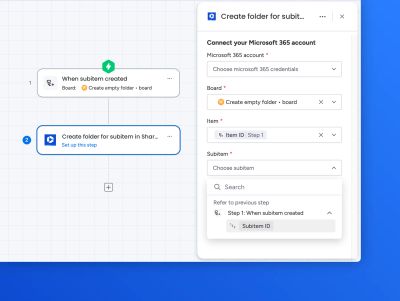
Save the workflow.