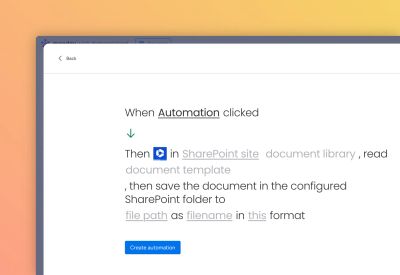
This automation block allows you to export data out of monday.com into a design of your own, using Word documents as templates, and save the output as Word or PDF format within Sharepoint.
Prerequisites
A SharePoint folder must already have been configured for the item, using one of the following automation blocks:
It is also best practice to add the Secure Embed item view to allow easy access to the configured SharePoint folder for the item.
How it works
For automations
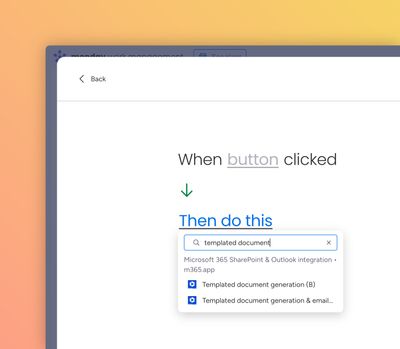
Use the "Create from scratch" automation builder to select the relevant trigger, then paste "Templated document generation" into the "Then" section:
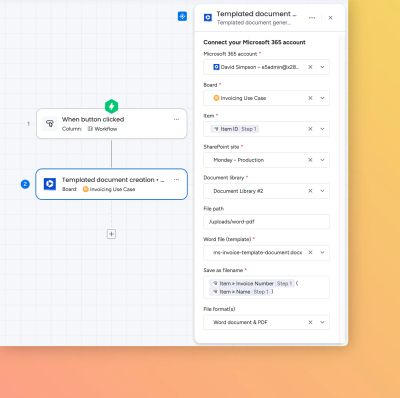
Then fill out the various fields:
Here is a worked example of exporting to Word document and PDF:
For workflows
Create a workflow and for the action, select the "Templated document generation" automation block as the action.