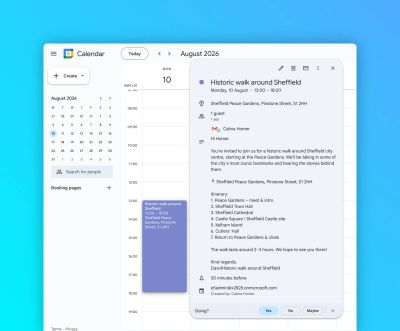
This workflow block sends emails containing iCalendar invites via Outlook.
This block supports HTML formatting for email.
How it works
For automations
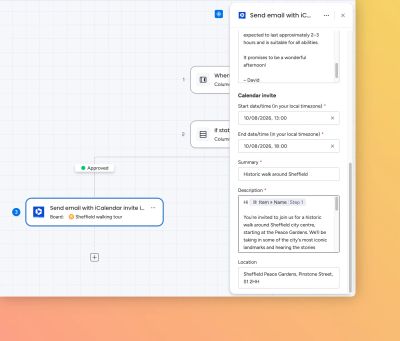
Use the “Create from scratch” automation builder to select the relevant trigger, then paste “Send email with iCalendar invite in Outlook” into the “Then” section.
Select the Microsoft 365 Credentials for the user who is sending the email, and the Email fields:
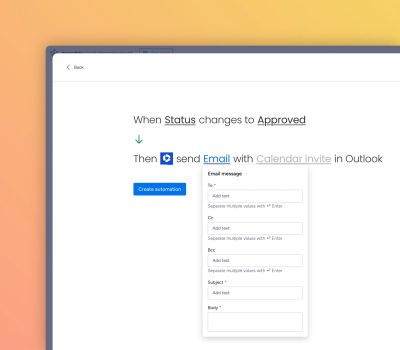
Fill out the Calendar invite field:
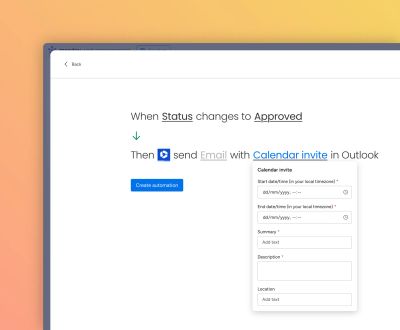
For workflows
Create workflows and for the action, select the “Send email with iCalendar invite in Outlook” automation block in the then section.
Select the Microsoft 365 Credentials for the user who is sending the email, and the Email fields:
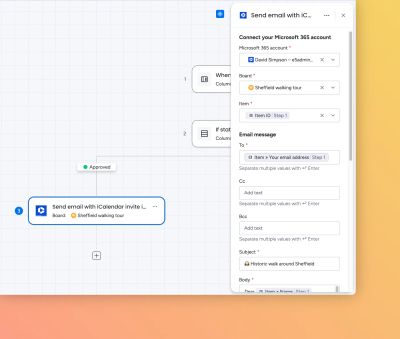
Fill out the Calendar invite fields:
Walkthrough video
Here’s a walkthrough video to show how the automation feature works:
Results in common email clients
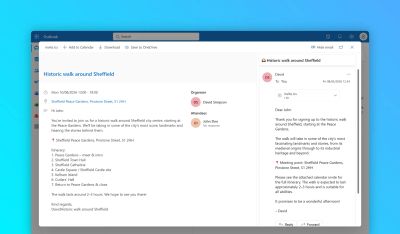
Below are screenshots of the results from this automation block for the most common email clients.
Outlook
Email message: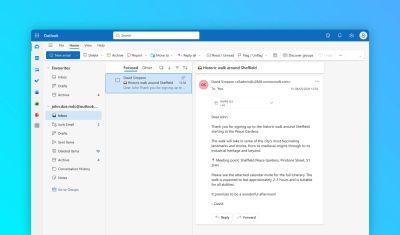
Calendar invite:
Google Mail
Email message:
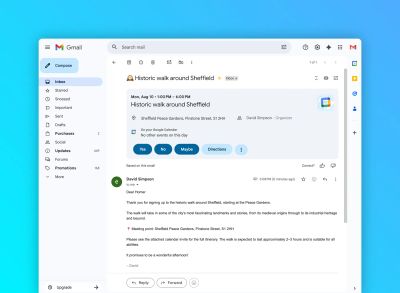
Calendar invite: