This automation block extends Templated document generation by adding an automatic email step: after generating the PDF from a Word template, the block emails the PDF as an attachment to a specified recipient.
Use this block for document workflows where the recipient needs immediate delivery — for example, emailing a generated contract, invoice, or project proposal directly to a client without a manual send step.
This block supports HTML formatting for email.
Prerequisites
A SharePoint folder must already have been configured for the item, using one of the following automation blocks:
A Word document template must be stored in SharePoint with placeholders for monday.com column values. See Templated document generation for template setup guidance.
For automations
Use the "Create from scratch" automation builder to select the relevant trigger, then paste "Templated document creation & email PDF to user" into the Then section.
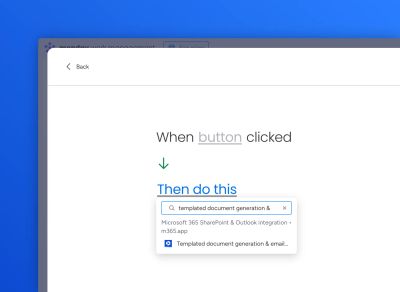
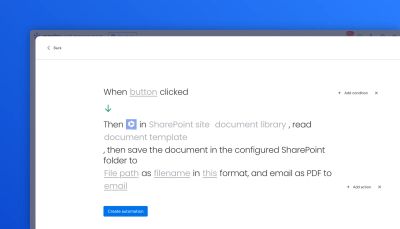
The automation block is displayed:
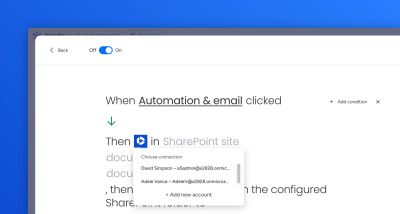
Sign in with your Microsoft 365 account:
Select the SharePoint site, document library, document template, and fill in the other fields:
Click Save automation.
For workflows
Create a workflow and select "Templated document creation and email PDF to user" as the action.
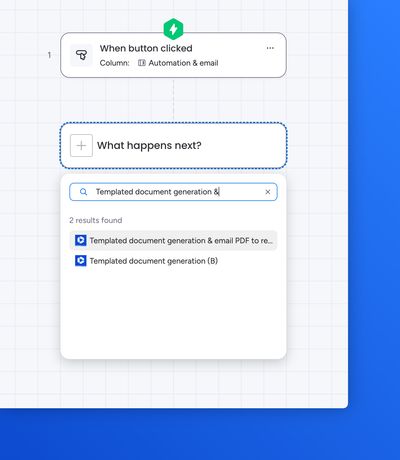
Sign in with your Microsoft 365 account, select the SharePoint site, document library, document template, and fill in the other fields:
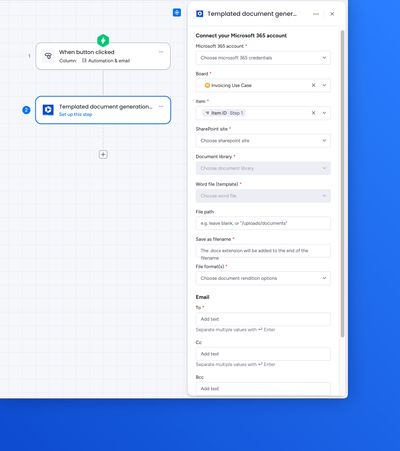
Click Publish workflow.