This workflow block imports emails from Outlook into the Emails & Activities feature within monday CRM.
How it works
For automations
Use the “Create from scratch” automation builder to select the relevant trigger, then paste “Import Outlook emails into activities” into the “Then” section:
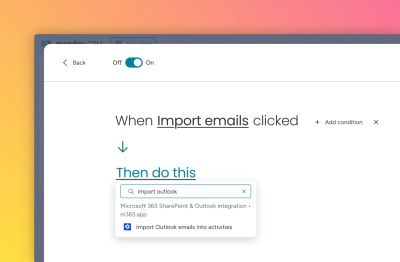
Then fill out the various fields:
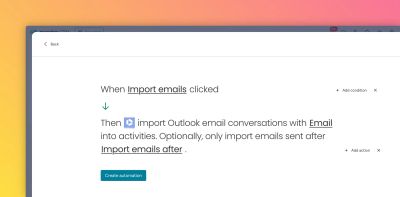
Here’s a walkthrough video to show how the automation feature works:
For workflows
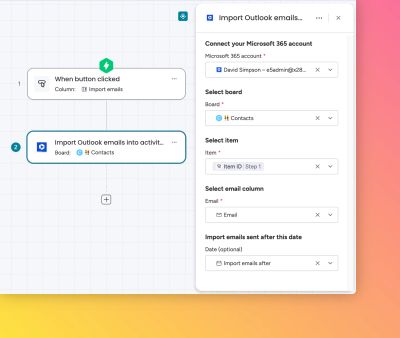
Create a workflow and for the action, select the “Import Outlook emails into activities” automation block as the action.
Then fill out the various fields:
Results
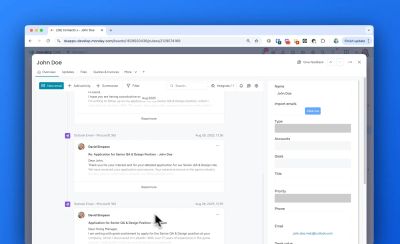
Each email is added to the Emails & Activities feature in the correct chronological order.
What happens when the automation block action is triggered multiple times?
Repeating the automation block will only import new emails which have not previously been added to Emails & Activities. The system functions in an idempotent manner, preventing duplicate activities.
Key benefits
- Exact dates and times of the original emails are retained in each activity
- Configurable start date for filtering which emails to import
- Emails from private mailboxes can be shared team-wide
- Imported emails persist in the CRM even after team members depart