When a subitem is created, create a folder in the configured SharePoint folder for the parent item.
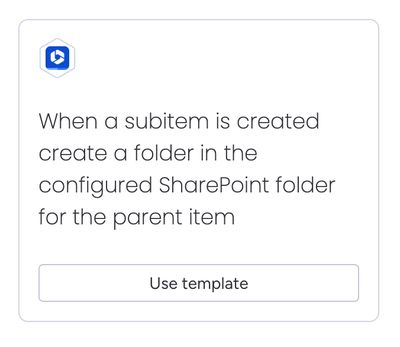
This automation:
- Creates a folder named
Subitem Name (Subitem ID)in the parent item's configured folder - Configures the Secure Embed item view for the subitem to display the newly created folder
- Requires no custom configuration
Prerequisites
The configured folder for the parent item must have been created by either:
If no configured folder exists for the parent item, the automation will gracefully fail with a notification message explaining the error.
Notifications can be accessed from the top menu.

How the automation works
Here’s a walkthrough video to show how the automations feature work: