When a new item is created in monday.com, create/generate a new folder in SharePoint.
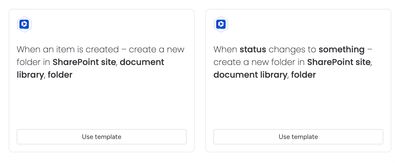
Recipe sentences
- When an item is created – create a new folder in SharePoint site, document library, folder
- When status changes to something – create a new folder in SharePoint site, document library, folder
These automation recipes allow users to create a new folder for their work activities and store all files and folders related to a monday.com item in a preconfigured location within SharePoint Online.
Triggers:
- When an item is created in a board
- When the status of an item in a board changes to something
When either of these triggers is called, a new folder will be created in SharePoint, in the designated location.
The automations work with the Secure Embed item view feature to display the newly created folder and files in a view for the item.
If the automation has been executed successfully, the Secure Embed item view will automatically be configured to point at the newly created folder and cannot be configured manually.
How the automation works
Here’s a walkthrough video to show how the automation feature works:
This automation runs in a non-destructive manner.
- If an automation has already been run, and a folder has already been configured for the item, it will not change anything — no new folder will be created or configured for the item.
- If another folder already exists with the same name, it will create a new folder with the name
Item Name (Item ID) Number(whereNumberis a number starting at 1) and configure the Secure Embed item view to point to the new folder. The original folder namedItem Name (Item ID)will remain on the SharePoint site.
If you've set up this automation on an existing board, you can re-run the automation for existing items to create the folders in SharePoint.