When an update is created, copy files from the update into the configured SharePoint folder for the item.
This automation collects any file attached to an update or attached to an email update and saves it into the configured SharePoint folder for the item.
Recipe sentences
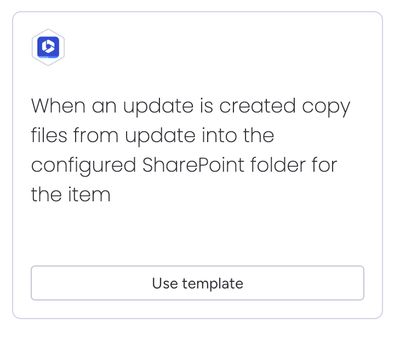
When an update is created, copy files from update into the configured SharePoint folder for the item.
Prerequisites
The configured folder for the parent item must have been created by either of the following automations:
If the item does not have a configured folder, then the automation will gracefully fail with a Notification message explaining the error. Notifications can be accessed from the top menu.

How the automation works
Here's a walkthrough video to show how the automation works: