The Enforce unique values setting on a SharePoint metadata column prevents the same value from being used more than once in a document library. If this setting is enabled on a template folder or document used in an automation, the automation will fail. The automation run history in monday.com will display an error message.
Steps
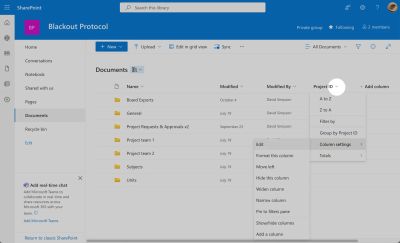
- Open the SharePoint document library and click the dropdown arrow on the column title
- Select Column settings > Edit
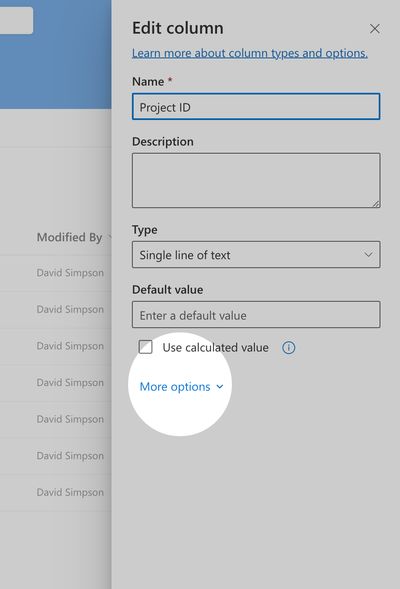
- Click More options to expand additional settings
- Toggle off Enforce unique values
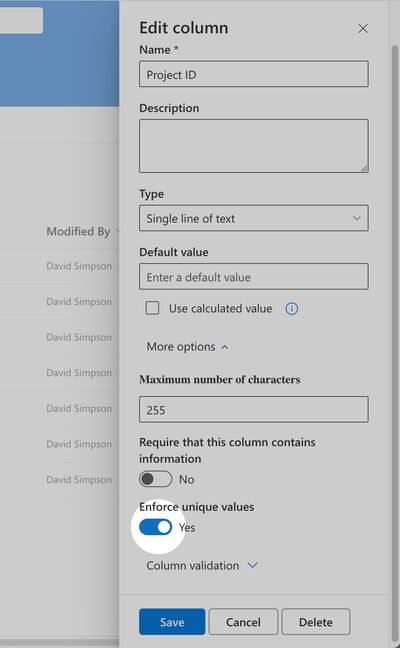
- Save your changes and re-run the automation in monday.com