This automation block allows you to copy files from a column of type File on an item to the configured SharePoint folder for that item.
You can choose to create a folder structure of subfolders based on the column values from monday.com, as required.
For automations
Create an automation and select the "Copy all assets from column to SharePoint Folder for item (L)" automation block in the Then section.
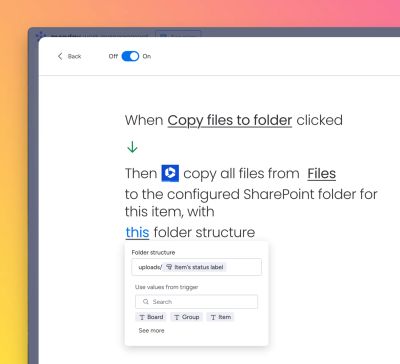
For workflows
Create a workflow and for the action, select the "Copy all assets from column to SharePoint Folder for item (L)" automation block as a new action.
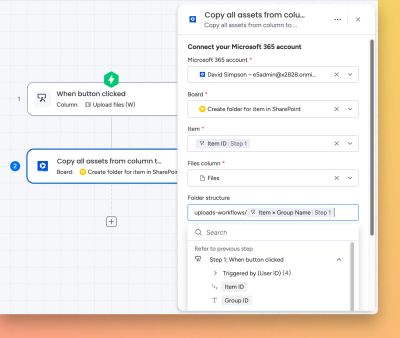
How it works
Here’s a walkthrough video to show how the automation block works: