After signing in to Microsoft 365, there is a Microsoft 365 profile dropdown in the top right-hand corner of the app. It is composed of a Microsoft 365 logo and the currently logged-in user's Microsoft 365 profile photo.
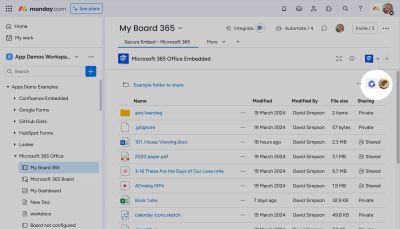
Click on the Microsoft 365 profile dropdown menu to see the profile of the currently signed-in user and access options including sign out.
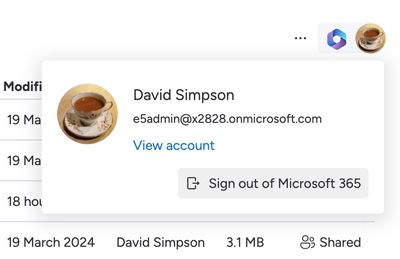
See: Revoking access to Microsoft 365 for instructions on signing out.