Use this automation block when a folder has already been configured for an item (using Create folder for item in SharePoint or similar) but the item has been moved from one board to another.
When a Microsoft 365 folder is configured for an item for use with the Secure Embed item view, the configuration is stored under a key which can be identified by the board.id and the item.id. Therefore if an item is moved to a new board, by default it will lose this configuration for the Microsoft 365 folder, unless you move the item back to the original board.
To solve this problem, the following automation is available for the board where the item is moved to.
For automations
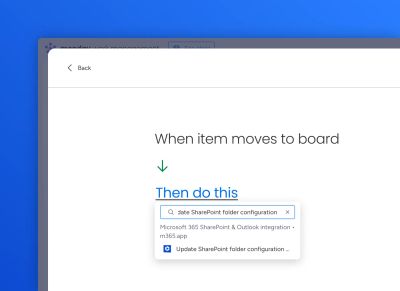
Use the "Create from scratch" automation builder to select the relevant trigger (e.g. "When item is moved to board"), then paste "Update SharePoint folder configuration" into the Then section.
Select the correct Microsoft 365 account:
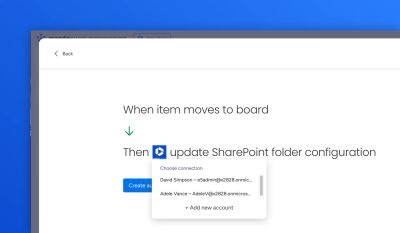
Click Save automation.
For workflows
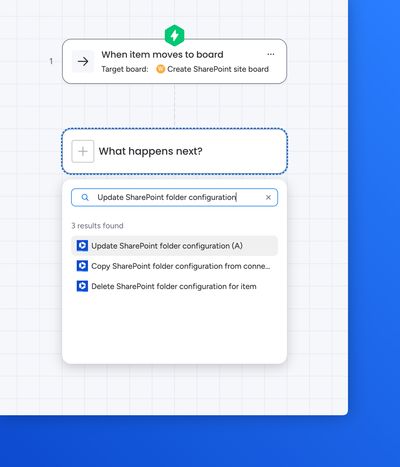
Create a workflow and select the relevant trigger (e.g. "When item is moved to board"). For the action, select "Update SharePoint folder configuration".
Select the correct Microsoft 365 account:
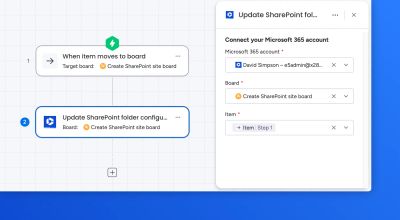
Click on Publish workflow.