Sometimes during configuration of third-party automations, monday.com fails to load the authentication screen for external systems. When this happens, users encounter a blank screen followed by repeated page reloads.
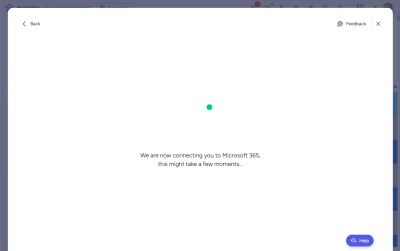
The recommended approach is to wait a period of time and then try again. If the issue persists, check status.monday.com for any ongoing platform incidents.
Workaround
For automations using the Recipe Builder:
- Save the automation initially without the second component configured
- Edit the automation to add or modify the second component (such as a SharePoint folder renaming action)
- While the page reloads, the second part will persist and function correctly