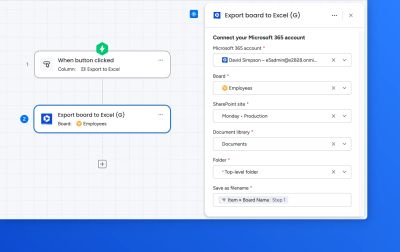
This automation block exports the data from a monday.com board into an Excel spreadsheet, saving the output to a specified location in SharePoint.
Use this block to give stakeholders who work primarily in Excel access to up-to-date board data without requiring a monday.com licence — or as part of a scheduled reporting workflow.
For automations
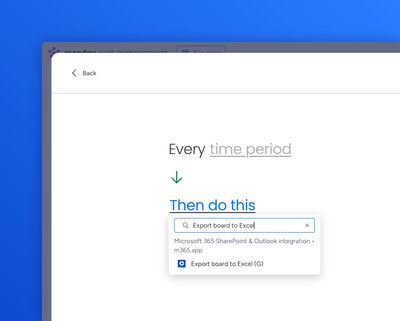
Use the "Create from scratch" automation builder to select the relevant trigger (for example, "Every day at", or "when button clicked"), then paste "Export board to Excel" into the Then section.
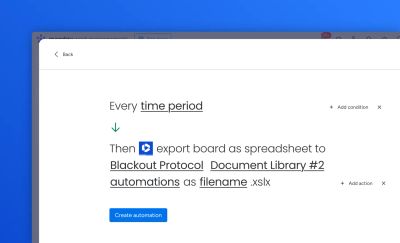
Fill out the target SharePoint location and the desired filename for the output spreadsheet.
For workflows
Create a workflow and select "Export board to Excel" as the action:

Select the SharePoint site, document library, path, and name the export file: